How To Remove Cardo Freecom 4X: Quick Guide 2026

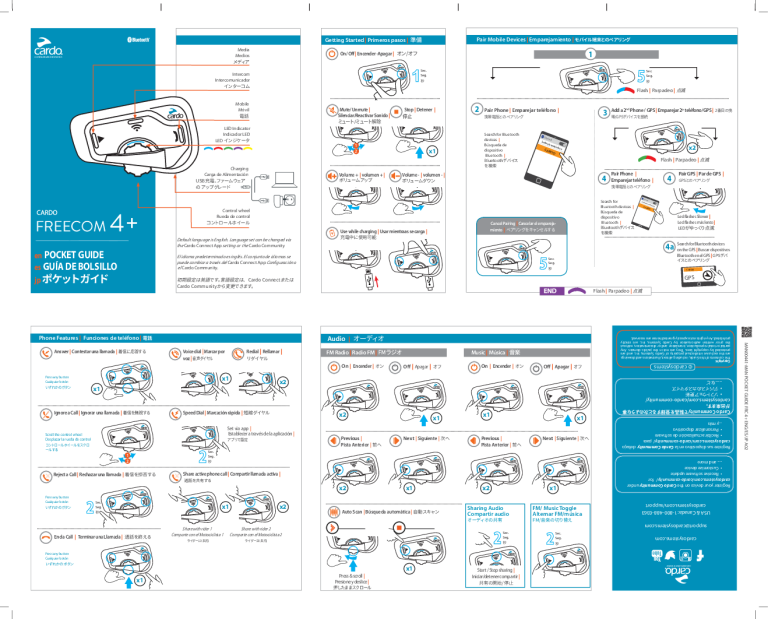
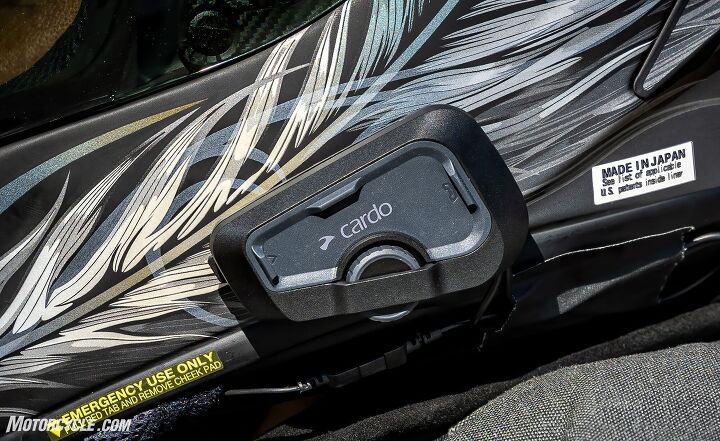
Press the cradle’s release tab, slide the unit up, then remove the mount.
If you’ve wondered how to remove Cardo Freecom 4X without harming your helmet or gear, you’re in the right place. I’ve installed and removed dozens across sport, ADV, and touring lids, and I’ll show you exactly how to remove Cardo Freecom 4X like a pro, with clear steps, safety notes, and real-world tips.

Understand the Freecom 4X mounting system
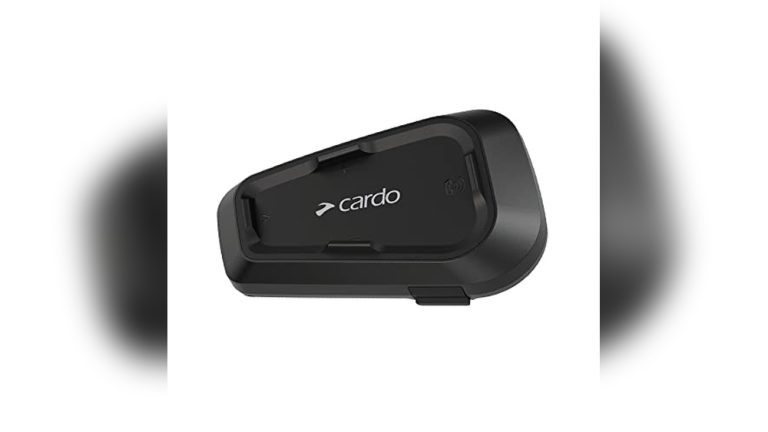
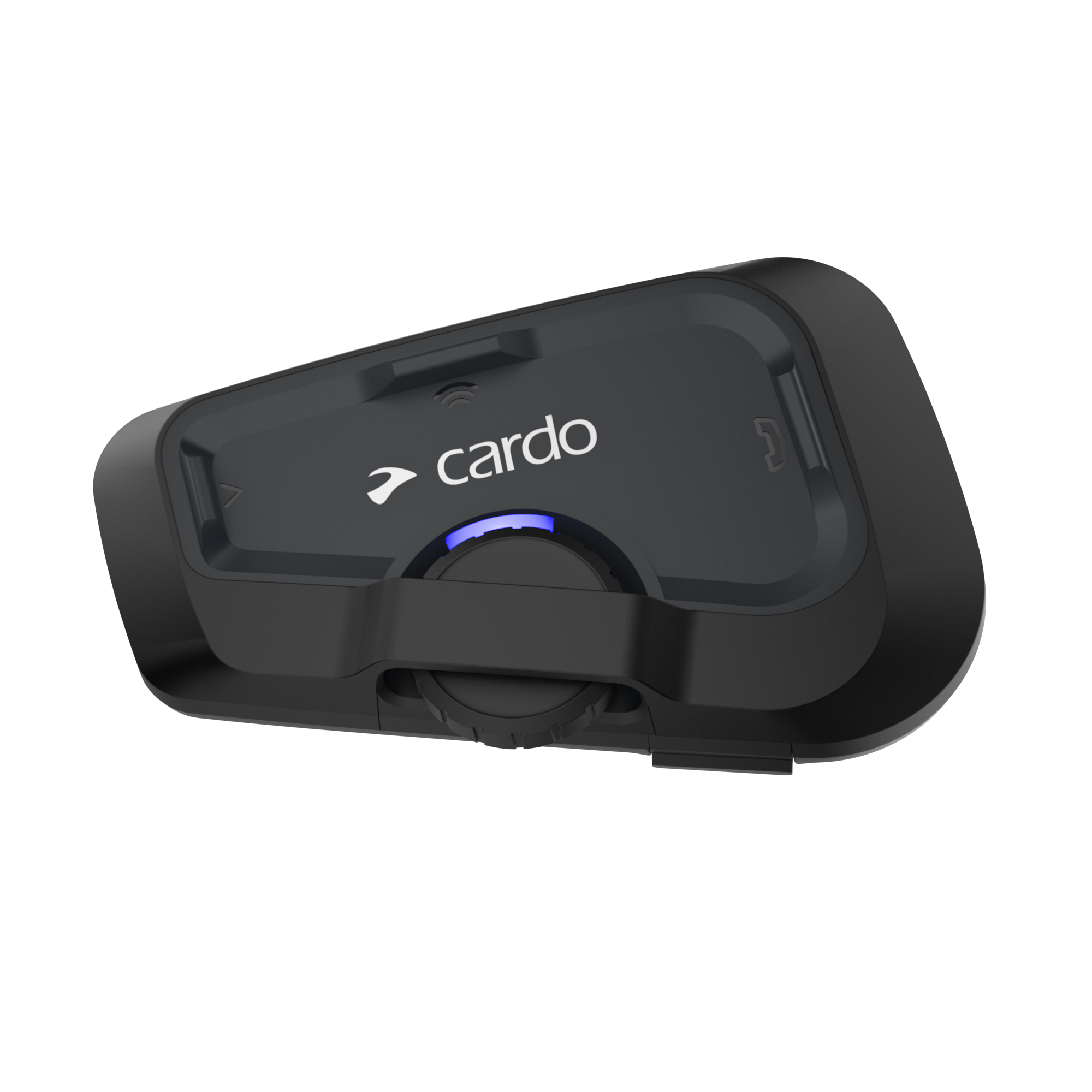
The Cardo Freecom 4X uses a small cradle that stays on the helmet. The main unit slides in and locks with a release tab. The cradle can attach in two ways: a clip mount that slides between the shell and padding, or an adhesive mount that sticks to the shell with strong VHB tape.
Knowing these parts is key if you want to know how to remove Cardo Freecom 4X quickly and without damage. The speakers and mic usually stay inside on Velcro pads. You can leave them in place if you are only moving the main unit.
Key parts you’ll handle:
- Main unit. The intercom that slides off the cradle.
- Cradle. The base with the release tab and charging pins.
- Clip mount. A metal or plastic clamp held by two screws.
- Adhesive mount. A flat plate with strong foam tape.
- Wiring. Speaker and mic leads that run into the helmet.
Pro note from the field: most issues happen when riders twist the cradle or pull on wires. Go slow, use the release tab, and keep the cradle flat as you work.

Tools and prep
Before you start on how to remove Cardo Freecom 4X, set up a clean work area and gather a few basics. You do not need special tools, but patience helps.
What to have on hand:
- Small Phillips screwdriver for clip mounts.
- Plastic pry tool or old credit card to help lift adhesive edges.
- Hair dryer on low for soft, even heat.
- Dental floss or fishing line for “sawing” through adhesive.
- Microfiber cloths and painter’s tape to protect the shell.
- 70–90% isopropyl alcohol for final residue cleanup.
Quick checks:
- Power the unit off and disconnect from charging.
- Take a photo of your wire routing if you plan to reinstall later.
- Warm the helmet and mount to room temp. Cold adhesive is stubborn.
- If you used an aftermarket mount, confirm its removal steps too.

Source: ebay.com
Step-by-step: how to remove Cardo Freecom 4X
This is the core guide on how to remove Cardo Freecom 4X in a safe and simple way. Follow the path that matches your setup.
- Remove only the main unit from the cradle
- Press and hold the small release tab on the cradle.
- While holding the tab, slide the unit upward until it clears the rails.
- Lift the unit away. Do not twist. Keep it parallel to the cradle.
- For quick swap, this is how to remove Cardo Freecom 4X from the cradle without touching the mount or wires.
- Remove a clip mount
- Gently pull back the cheek pad to expose the shell edge.
- Find the two screws on the clip. Loosen them a few turns.
- Slide the thin backplate out from between the shell and EPS liner.
- Support the cradle as the clip releases so it does not scratch the shell.
- Tighten the screws back on the loose clip for storage.
Tips:
- If the backplate snags on fabric, use a plastic card to guide it out.
- Do not force the plate near the EPS foam. It dents easily.
- Remove an adhesive mount
- Use low heat for 30–60 seconds to warm the adhesive. Keep the dryer moving.
- Work floss or fishing line behind the plate. Saw with light pressure.
- If needed, lift an edge with a plastic card and continue sawing.
- Once free, roll off remaining foam with your thumb. Use alcohol for the final film.
Stuck corner trick:
- Add a tiny bit of alcohol at the foam edge. Let it wick in. Then saw again.
- Avoid harsh solvents. They can dull paint or weaken the shell.
- Decide what to do with speakers and mic
- Leaving the helmet gear in place is fine if you will reinstall soon.
- To remove, peel each Velcro pad slowly and support the liner fabric.
- Coil and label wires so the next install is easy.
That’s it. If you needed a straight answer for how to remove Cardo Freecom 4X end-to-end, this covers the unit, the cradle, and both mount styles with the least risk.
Troubleshooting stubborn mounts and adhesive
Stuck adhesive is the top hurdle in how to remove Cardo Freecom 4X from an adhesive mount. Heat, time, and the right angle win here.
What works best:
- More time, less force. Let heat soak in. Reheat every 30–45 seconds.
- Floss method. Use a wide grip with gloves to save your fingers.
- Two-card method. One card holds the lifted edge; the second slides under.
- Gentle rocking. Micro-moves release foam cells without tearing paint.
What to avoid:
- Metal blades. They scratch shells and cut wires.
- High heat guns. EPS foam and paint do not like hot spots.
- Strong solvents. They can stain or soften plastic.
If the clip is stuck:
- Back the screws out a little more.
- Press the helmet padding down a tad to open space.
- Slide the card between the shell and plate to guide it free.

Source: ebay.com

Clean the helmet and restore the surface
A clean shell makes reinstall easy and is part of how to remove Cardo Freecom 4X the right way.
Simple cleanup steps:
- Roll off any foam bits with your thumb. It is slow but safe.
- Wipe with alcohol on a microfiber cloth. Use light pressure.
- For fabric areas, use a damp cloth only. No solvents on liners.
- Let the area dry before new tape or a new mount goes on.
Check for:
- Paint chips or scuffs. Touch up if you care about finish.
- Loose liner clips. Reseat them now, while the area is open.

Source: cardosystems.com
Reinstall or switch to a different mount
Many riders ask how to remove Cardo Freecom 4X and mount it on a new lid. Once your old mount is off and the shell is clean, you have options.
Best practices for the next install:
- Test position before sticking. Wear the helmet. Open and close the visor. Check glove reach to buttons.
- Warm the tape. Press hard for 30 seconds. Let it cure for a few hours.
- If using a clip, confirm no pressure on the EPS or trim.
- Route wires with slack near the hinge points. Hide extra lead in cheek pockets.
- Update firmware and test audio before your first ride.
Fit checks:
- Talk volume at 40 mph with earplugs. Can you hear podcasts?
- Mic boom clear of your lips, but not touching the chin bar.
- Unit clears jacket collar at full head turn.
Source: ebay.com

Mistakes to avoid and pro tips
One hidden risk in how to remove Cardo Freecom 4X is rushing heat or using sharp tools. Small habits prevent big headaches.
Avoid these:
- Twisting the cradle while removing the unit.
- Pulling on speaker wires when freeing the mount.
- Using high heat near EPS foam or visor seals.
- Yanking adhesive in one hard pull.
Pro tips from the road:
- Painter’s tape around the mount protects paint while you work.
- A small drop of alcohol on the floss reduces friction.
- Label your wires left and right with tiny bits of tape.
- Keep a spare adhesive pad set in your tool kit for road swaps.

Source: ebay.com
Frequently Asked Questions of How to remove cardo Freecom 4x
How do I remove only the Freecom 4X unit without touching the mount?
Press the cradle’s release tab and slide the unit up until it clears. Keep the motion straight and parallel to the cradle.
Can I remove an adhesive mount without heat?
Yes, but heat makes it faster and safer. Without heat, use floss and go very slow to avoid pulling paint.
Will alcohol damage my helmet when cleaning residue?
Use 70–90% isopropyl alcohol sparingly on painted shell only. Do not use it on EPS foam, rubber trims, or fabric liners.
How to remove Cardo Freecom 4X if the clip is stuck?
Loosen the screws a bit more and guide the backplate out with a plastic card. Do not pry with metal tools.
Do I need to remove speakers and mic to switch helmets?
Not always. If you are just moving the main unit, leave the pads in place. If you are changing helmets, peel them off slowly and re-stick with fresh Velcro if needed.
Can strong adhesive removers harm the shell?
Yes, some solvents can dull paint or weaken plastic. Stick to low heat, floss, and alcohol for final cleanup.
Conclusion
You now know every safe method for taking off the unit, freeing the cradle, and dealing with both clip and adhesive mounts. With a little heat, a steady hand, and the right tools, you can move your setup between helmets without a mark.
Put this guide to work on your own lid today. If you found this helpful, share it with a riding buddy, subscribe for more gear tips, or drop your questions in the comments so I can help you dial in your next install.