How To Use Cardo Freecom 4x: Ultimate Guide 2026

Power it up, pair your phone, mount the unit, then use the wheel, buttons, and voice commands to control calls, music, and 4-way intercom.
If you want a smooth, frustration-free guide on how to use Cardo Freecom 4x, you are in the right place. I’ve set up and ridden with this unit for thousands of miles. I’ll show you what works, what to avoid, and the exact steps to get great sound, clear chat, and simple control on every ride. Read on for a complete, real-world walkthrough of How to use Cardo Freecom 4x—from box to road to group rides.

What the Cardo Freecom 4x can do
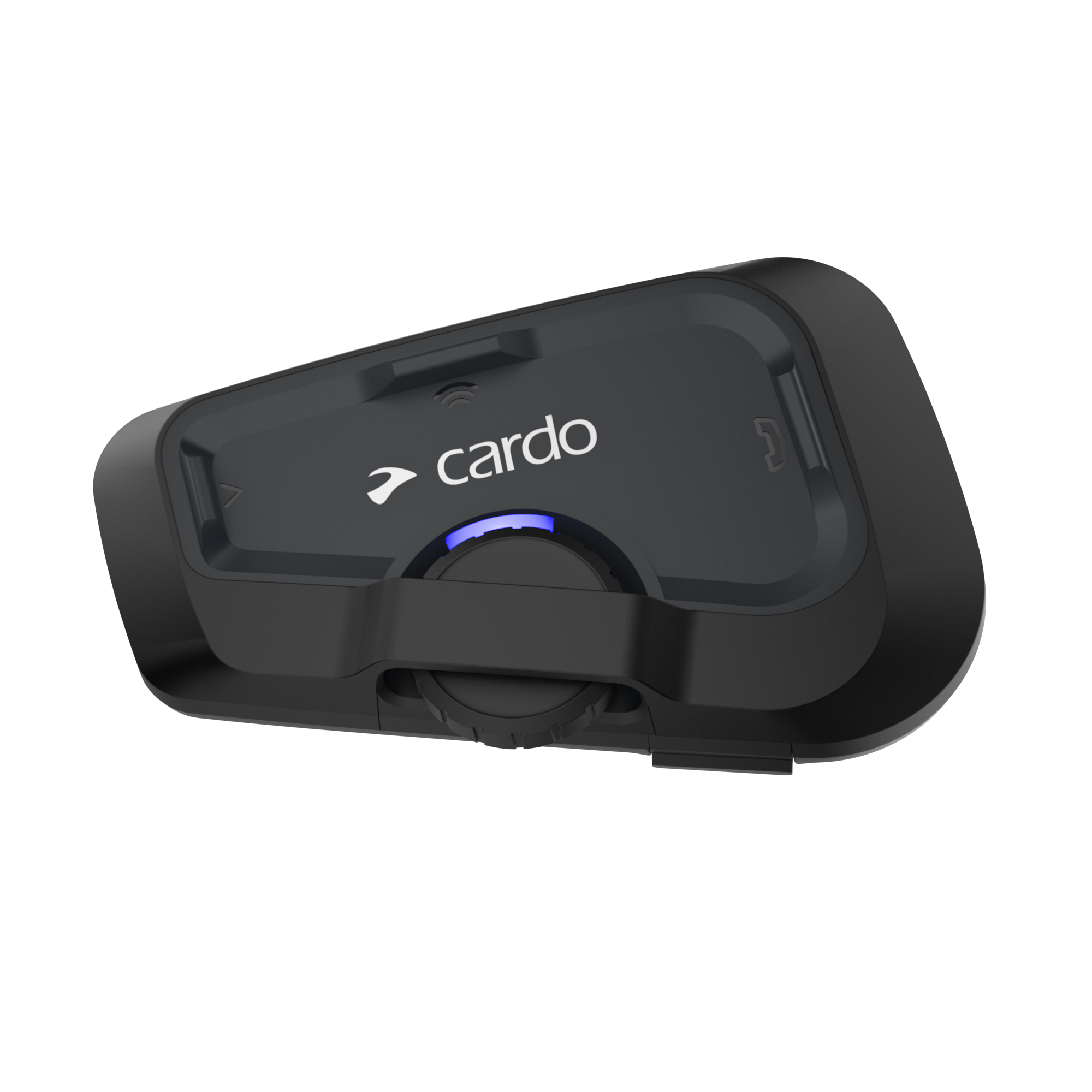
The Cardo Freecom 4x is a premium Bluetooth intercom for riders. It works for up to four people. Sound is by JBL, so music and calls are rich and clear. It has Live Intercom for quick link and auto-reconnect. It uses voice control, so you can say “Hey Cardo” to trigger many actions. It is waterproof and dustproof, so it handles rain and mud.
Key features and why they matter:
- 4-way Bluetooth intercom. Great for small groups without mesh.
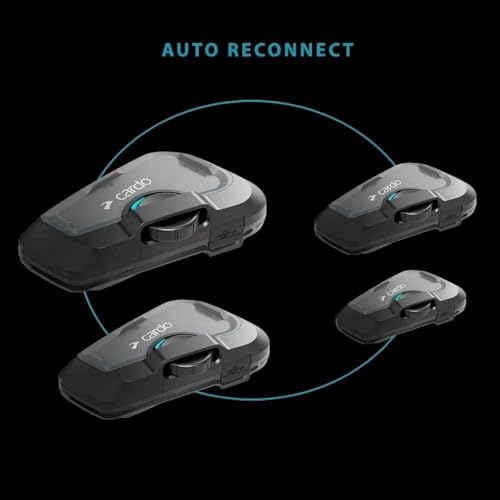
- Live Intercom with auto-reconnect. Less fuss if someone drops out.
- JBL 40 mm speakers with profiles. You can tune for music or talk.
- Natural Voice Operation. Hands on bars, eyes on road.
- Over-the-Air updates via the app. No laptop needed.
- Universal pairing. Can talk to most brands.
- FM radio with RDS and presets. Good when cell data drops.
Limits to note:
- It is not mesh. Big groups may need a mesh device.
- Range depends on terrain. Buildings, trees, and hills cut range.
- Mic placement matters. Poor placement hurts clarity.
If you learn How to use Cardo Freecom 4x well, it can feel like second nature. Keep it simple, set it right, and it just works.

Unbox, charge, and update first
Do these steps before you mount the unit. It saves time.
- Charge the unit
- Use the USB-C cable.
- A full charge takes about two hours.
- A quick 20-minute top-up gives about two hours of talk time.
- Install the Cardo Connect app
- Download the app on your phone.
- Turn on Bluetooth on your phone.
- Power on the Freecom 4x and follow the in-app pairing prompts.
- Update the firmware
- Open the app with the unit on.
- If an update shows, run it Over-the-Air.
- Keep the phone near the unit and do not power off.
Pro tip from the road: I always update at home the night before a trip. It has saved me more than once. This simple step is key in How to use Cardo Freecom 4x with no hiccups.
Mount the unit and speakers the right way
Good mounting makes or breaks your experience. Take 15 patient minutes here.
- Choose the mount
- Clamp mount. Best for most helmets with a firm rim.
- Adhesive mount. Best for thin rims or delicate edges.
- Place the speakers
- Remove cheek pads if needed.
- Feel for the ear pockets. Stick the speakers at ear level.
- Use the foam spacers to bring speakers closer if there is a gap.
- Aim for even left-right placement for balanced sound.
- Place the mic
- Full-face helmets. Use the wired mic at the chin bar.
- Modular or open-face helmets. Use the boom mic near the lips.
- Keep the mic about two fingers from your mouth.
- Run the cables
- Tuck wires behind pads.
- Avoid sharp bends and hinge points.
- Test fit with the helmet on.
My lesson learned: Too-far speakers sound thin. When I moved them 5 mm closer and used spacers, bass jumped and speech got clearer. This is a key secret in How to use Cardo Freecom 4x for top audio.

Pair your phone and GPS
Pair your phone first. Then pair a GPS or secondary device.
Phone pairing
- Put the unit in phone pairing mode via the app or buttons.
- Select the Freecom 4x in the phone’s Bluetooth list.
- Allow contacts and calls so you can use voice dial and see caller ID.
GPS pairing (if you use one)
- Put the GPS in Bluetooth pairing mode for headset.
- Pair it as a GPS or second device in the Cardo app.
- Set directions to mix with intercom and music.
Check these after pairing
- Make a test call.
- Play music and change volume with the wheel.
- Ask your phone voice assistant to send a text.
If you ever wonder How to use Cardo Freecom 4x with both phone and GPS, remember this order: phone first, then GPS.

Connect intercom for two to four riders
The Freecom 4x does 4-way Bluetooth intercom. Keep riders within line of sight when you can.
Two riders
- Use Live Intercom to link Rider A and Rider B.
- Start the chat from the app or the intercom button.
- If someone drops, it auto-reconnects when back in range.
Three to four riders
- Create a group in the Cardo app.
- Add each rider one by one.
- Start Live Intercom. Keep the chain neat. Rider-to-rider gaps should be modest.
Universal pairing
- Pair the other brand as a phone or universal intercom.
- Expect more battery drain and a bit less range.
- Keep groups small for best results.
My touring tip: For tight canyons or cities, ride in a staggered pack to reduce line-of-sight loss. That is one of the simplest tricks in How to use Cardo Freecom 4x well in tough terrain.
Master the controls and voice commands
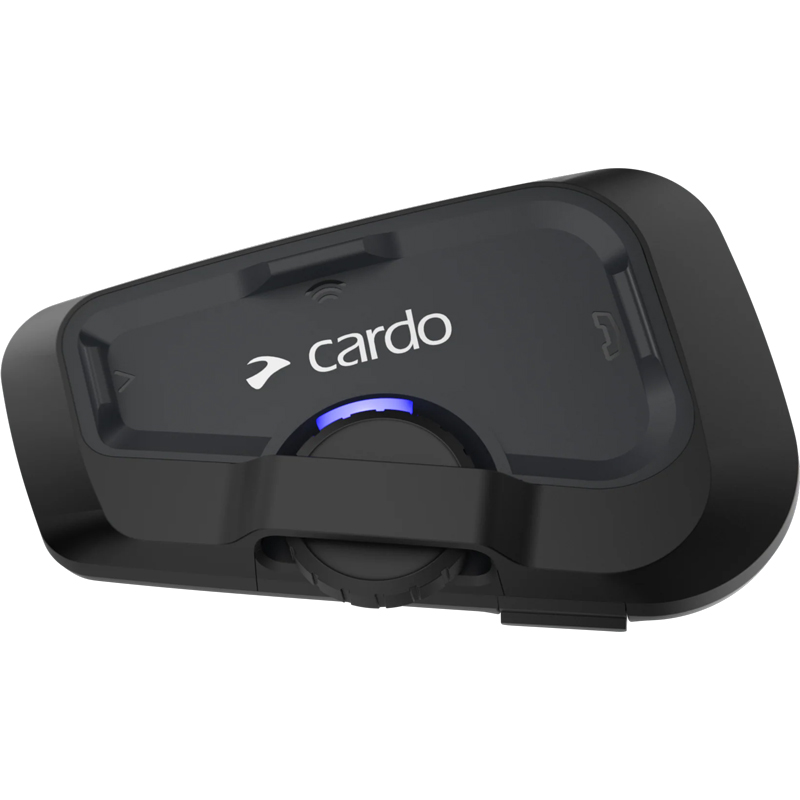
You get three main tactile controls and a wheel. The wheel changes volume. A short press on the wheel often skips tracks. Buttons handle phone, intercom, and media toggles. Exact labels can vary by region, so confirm in your manual or app control map.
Core actions you will use often
- Volume up or down with the wheel.
- Start or end intercom with the intercom button or app.
- Play or pause music with the media button or wheel press.
- Answer or reject calls with the phone button or voice command.
Use Natural Voice Operation
- Say “Hey Cardo, music on.”
- Say “Hey Cardo, volume up.”
- Say “Hey Cardo, battery status.”
- Say “Hey Cardo, speed dial” after you set a number in the app.
Call your phone assistant
- Say “Hey Siri” on iPhone or “OK Google” on Android.
- Use it for texts, maps, or calls while riding.
Haptics and LED cues
- Learn the beep patterns for intercom join/leave.
- Check LED color for battery and pairing states.
This is the hands-free heart of How to use Cardo Freecom 4x. Learn five voice lines and two button moves. That covers 90% of your needs.
Can I use the Freecom 4x with gloves on?
Yes. The wheel and buttons are glove-friendly. Voice commands help when fine motor control is hard.
How do I balance music and intercom volume?
Turn the wheel while that audio is active. Each source has its own saved level. Tune intercom first, then music.
What if voice commands don’t trigger?
Speak in a clear tone. Reduce wind noise by closing vents near the mic. Re-run voice training in the app if offered.

Tune audio, radio, and JBL profiles
The 40 mm JBL speakers can sound great if you set them right.
Do this in the app
- Choose a JBL audio profile. I like Bass Boost for music and Vocal for podcasts.
- Set Automatic Volume (AGC) to match your wind level.
- Enable audio mixing if you want music under intercom.
Use the FM radio
- Scan and save up to six presets.
- RDS helps keep the station locked as you move.
- Switch stations with the wheel or button based on your control map.
My quick checks before a big ride
- Play a song you know. If vocals feel thin, move speakers closer.
- Make a test intercom call and adjust volume per source.
- Try each profile. Stick with the one that keeps voices crisp.
This is a key slice of How to use Cardo Freecom 4x for bright talk and rich music.
Everyday use: a simple ride workflow
When I guide new riders, I teach a short, repeatable flow.
Before you roll
- Put on the helmet and power on the unit.
- Check the battery in the app or ask “Hey Cardo, battery status.”
- Start Live Intercom or your music playlist.
On the road
- Use the wheel for quick volume fixes.
- Use voice to skip tracks or call out battery.
- Keep riders in a smooth stagger to help range.
Stops and fuel breaks
- Leave units on for short breaks to keep the group linked.
- For long stops, power off to save battery.
- If someone gets dropped, restart Live Intercom from the app.
Learning this flow is a big step in How to use Cardo Freecom 4x without thought. It becomes muscle memory fast.
Battery life, charging, and care
The Freecom 4x offers long talk time. Real-world life varies by volume, wind, and intercom use.
Make the most of your battery
- Lower master volume a notch on highways.
- Turn off unused sources like FM when not in use.
- Keep firmware updated for power tweaks.
Charging
- Use USB-C at home or on the bike.
- You can charge while riding with a short, secure cable.
- Rain is fine. The unit is waterproof, but keep the port cap closed when not charging.
Care and storage
- Wipe dust and bugs off with a damp cloth.
- Do not store with the cable bent tight.
- Keep the unit dry when off the helmet.
Smart battery habits are central in How to use Cardo Freecom 4x for full-day rides.
Troubleshooting and pro tips
Quick fixes I use in the field
- No sound or very low volume. Check speaker plugs and make sure the helmet liner is not covering the speakers.
- People say you sound far. Move the mic closer. Align the dot toward your mouth if present.
- Intercom drops often. Reduce gaps. Rebuild the group in the app. Update firmware on all units.
- Voice commands fail. Close a vent near the mic. Try a foam wind sock if you have one.
Resets and rebuilds
- Soft reset. Power off, wait 10 seconds, power on.
- Re-pair. Forget the device on the phone. Pair again through the app.
- Factory reset. Use the app option or follow your manual’s button steps.
Pro setup tips that help every time
- Use foam spacers for speaker depth.
- Label rider roles in the app so you know who links to whom.
- Set a speed dial for an emergency contact.
These steps are my go-to moves in How to use Cardo Freecom 4x when things act up.
Safety and legal best practices
Keep your focus on the road. The intercom is a tool, not the main act.
Ride smart
- Set up your group and music before you move.
- Use voice control. Avoid long button hunts.
- Keep volume at a safe level to hear traffic.
Know your local rules
- Some places limit phone use, even hands-free.
- Earbud and helmet audio laws vary by state and country.
One last safety habit in How to use Cardo Freecom 4x: if you must dive into menus, pull over. Two minutes stopped beats a lifetime of regret.
Frequently Asked Questions of How to use Cardo Freecom 4x
How far does the intercom reach?
Between two riders, up to about three quarters of a mile in ideal line of sight. Expect less in cities, forests, or hills.
Can I mix music and intercom at the same time?
Yes. Enable audio mixing in the app. Music will dip when someone speaks and resume after.
Will it work with other brands like Sena?
Yes, use universal pairing. Range and features may drop a bit, so keep groups small.
Can I charge while riding in the rain?
Yes, the unit is waterproof. Use a short cable and secure it so it does not flap.
How do I update the firmware?
Open the Cardo Connect app and follow the Over-the-Air prompt. Keep the phone near the unit and do not power off.
What voice commands should I learn first?
Try “Hey Cardo, intercom on,” “music on,” “volume up,” and “battery status.” These cover most daily needs.
What if my speakers sound thin?
Move them closer to your ears and use foam spacers. Recheck left-right alignment and try a different JBL profile.
Conclusion
You now know How to use Cardo Freecom 4x from setup to daily rides and group chats. Charge it, update it, mount it with care, and master a few voice commands. Place the speakers right, and your audio will shine. Keep the group tight, and your intercom will feel rock solid.
Put these steps to work on your next ride. Save this guide, share it with your group, and drop a comment with your own tips. If you want more, subscribe for fresh how-tos and advanced ride setups.