Noco Genius 5 Repair Mode Blinking Red Light: Quick Fix Guide 2026

If you’re using the Noco Genius 5 battery charger and suddenly see a blinking red light in Repair Mode, you might feel confused or worried. What does it mean? Is your battery in trouble? Is the charger broken? Many users face this issue, but the solution isn’t always clear. This article will help you understand why the blinking red light happens, what each signal means, and how you can fix it. You’ll learn about the five main reasons for the blinking red light in Repair Mode, how to troubleshoot, and get practical advice for safe battery charging. Whether you’re new to battery maintenance or have some experience, this guide will help you get the most from your Noco Genius 5 charger.
Understanding The Noco Genius 5 Charger
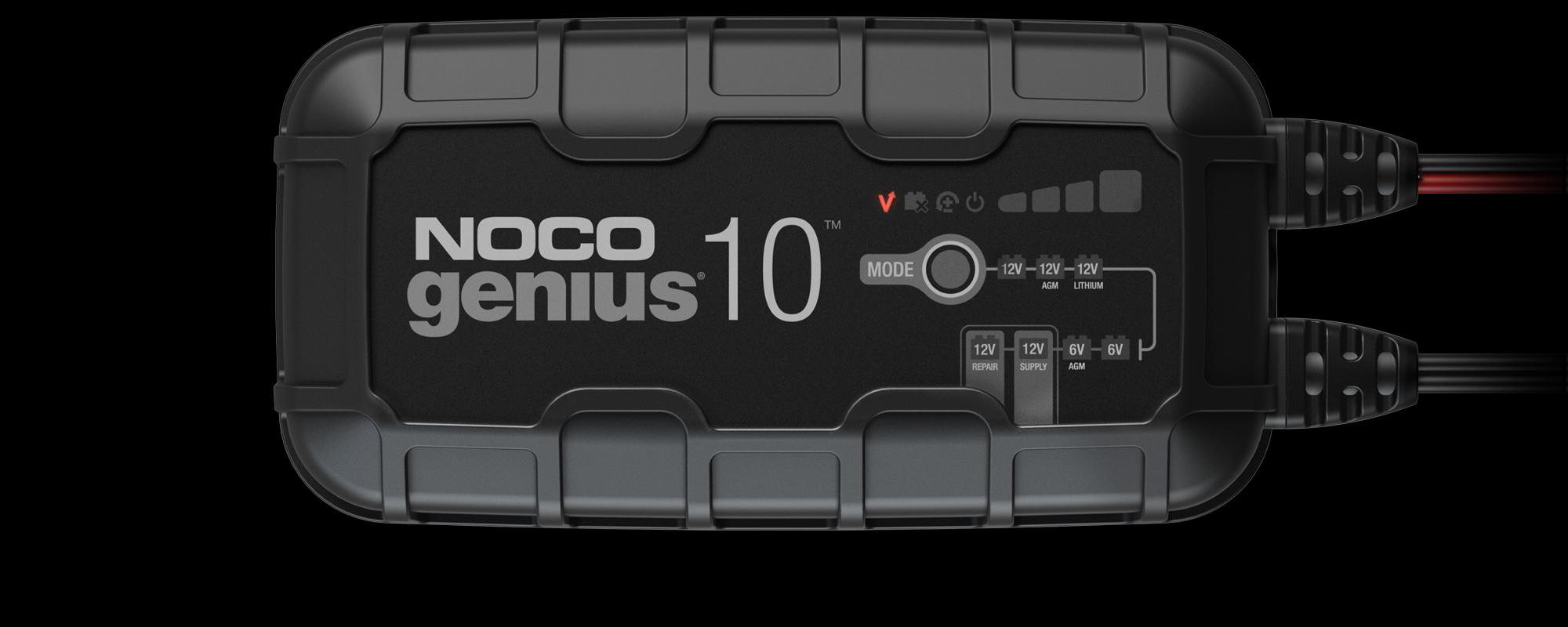
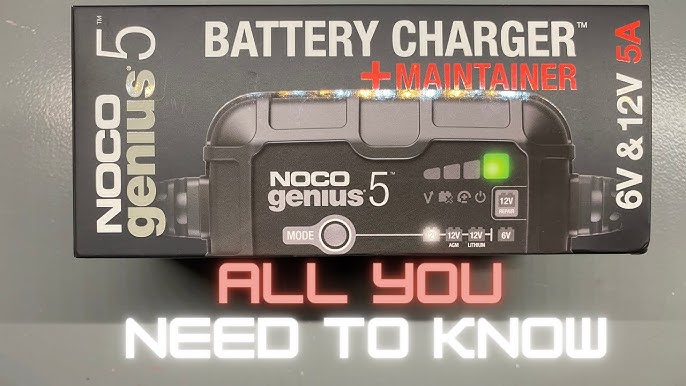
The Noco Genius 5 is a smart battery charger used for cars, motorcycles, boats, and other vehicles. It can charge, maintain, and repair batteries, including lead-acid and lithium-ion types. The charger uses advanced technology to keep batteries healthy and maximize their lifespan. One special feature is Repair Mode, which tries to fix old, damaged, or sulfated batteries.
The charger uses a system of lights to tell you what’s happening. A blinking red light can mean something is wrong, especially in Repair Mode. To fix the problem, you need to know what the light is telling you.
How Repair Mode Works
Repair Mode is designed to restore batteries that are weak or damaged. It uses high-voltage pulses to break up sulfation, a common problem in lead-acid batteries. Sulfation makes the battery hold less charge and reduces performance. Repair Mode can sometimes bring these batteries back to life.
When you activate Repair Mode:
- The charger starts a special cycle that lasts up to 4 hours.
- It sends pulses through the battery to clean the plates.
- The charger watches for signs of improvement.
The blinking red light in Repair Mode is a warning. It tells you something is not right and needs attention.
What Does The Blinking Red Light Mean?
A blinking red light on the Noco Genius 5 in Repair Mode usually signals a problem with:
- Battery connection
- Battery health
- Charger operation
- Electrical safety
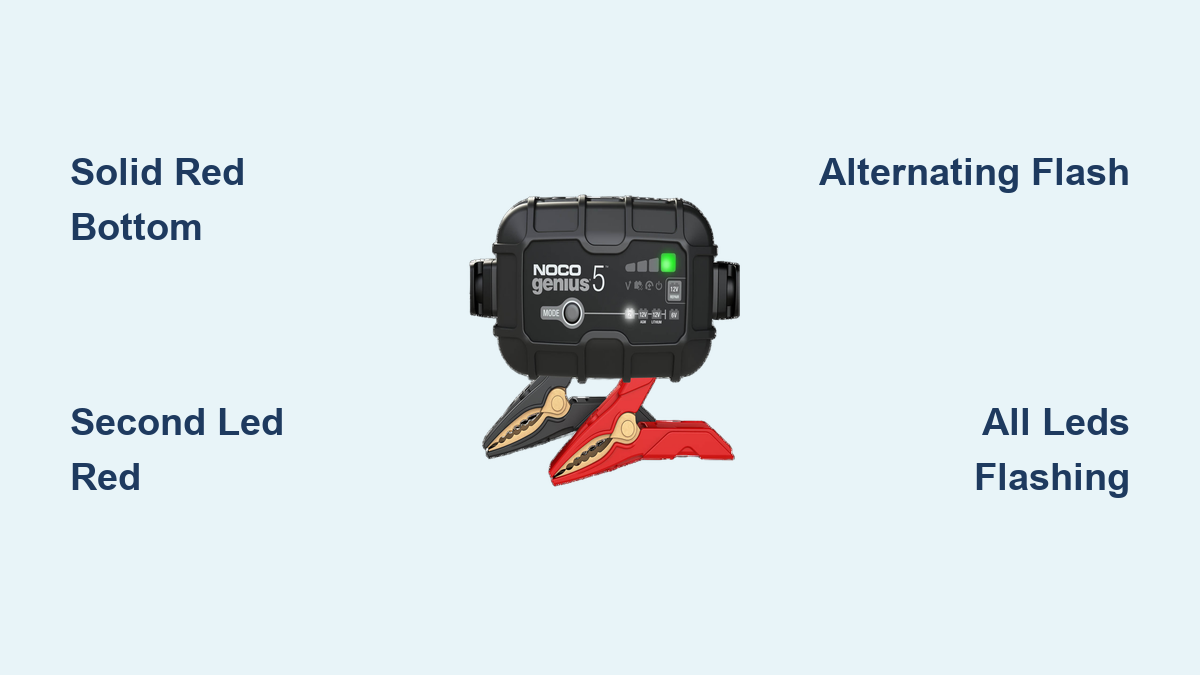
The charger uses different light patterns to communicate. Here’s a quick overview:
- Solid Red Light: Charging normally
- Blinking Red Light: Error detected
- Solid Green Light: Fully charged
- Blinking Green Light: Maintenance mode
In Repair Mode, a blinking red light is not normal. It means the charger found a problem and stopped the repair cycle. It’s important to understand what causes this and how to fix it.
The 5 Main Reasons For Blinking Red Light In Repair Mode
There are five key reasons why the Noco Genius 5 shows a blinking red light in Repair Mode. Each reason needs a different solution. Let’s look at each one in detail.
1. Poor Battery Connection
A common cause is poor battery connection. If the charger’s clamps are not attached properly to the battery terminals, the charger cannot work. The blinking red light warns you of this issue.
How to check:
- Look at the clamps. Are they tight and secure?
- Are the terminals clean? Dirty or corroded terminals can block the connection.
- Is there any movement? Loose clamps can slip off during charging.
To fix:
- Remove the clamps.
- Clean the battery terminals with a wire brush.
- Re-attach the clamps firmly. Make sure they do not wiggle.
- Try starting Repair Mode again.
Many beginners overlook the importance of a clean, tight connection. Even a small amount of corrosion can cause the charger to stop and flash red.
2. Battery Voltage Too Low
Repair Mode needs the battery to have enough voltage to start the cycle. If the battery is deeply discharged (below 1 volt), the charger may not recognize it, and the blinking red light will appear.
Symptoms:
- The battery is very old or has been unused for a long time.
- The charger doesn’t start charging.
- The light blinks red soon after Repair Mode is selected.
What to do:
- Test the battery with a multimeter. Is the voltage above 1 volt?
- If not, try “force charging.” Some users briefly connect another battery in parallel to raise the voltage.
- Alternatively, use another charger to boost the voltage to at least 1–2 volts.
Be careful with force charging. Always follow safety guidelines and avoid short circuits. Many users try to repair dead batteries without checking the voltage, which leads to frustration.
3. Battery Sulfation Is Too Severe
Repair Mode is meant to fix mild to moderate sulfation. If the battery is too damaged, the charger cannot repair it, and the blinking red light appears.
Signs of severe sulfation:
- The battery is very old (more than 5 years).
- It has been left discharged for months or years.
- The voltage drops quickly when tested.
What happens:
- The charger starts Repair Mode but soon stops.
- The light blinks red to signal failure.
Solutions:
- Try Repair Mode a few times. Sometimes, repeated cycles can help.
- If the battery still won’t recover, it’s time to replace it.
- Do not keep trying Repair Mode endlessly. It won’t fix a battery with hard sulfate crystals.
Beginners often hope Repair Mode can fix any battery. But if the damage is too deep, replacement is the only option.
4. Charger Safety Protection Triggered
The Noco Genius 5 has built-in safety systems. If it detects overheating, reverse polarity, or other risks, it will stop charging and blink red.
Common safety triggers:
- The charger gets too hot (especially in summer).
- The clamps are connected to the wrong terminals (reverse polarity).
- There is a short circuit.
What to check:
- Is the charger hot to touch? Let it cool for 30 minutes.
- Are the clamps attached correctly? Red to positive, black to negative.
- Is there any sign of melted plastic or burning smell?
To fix:
- Disconnect everything.
- Let the charger cool down.
- Reconnect with correct polarity.
- Restart Repair Mode.
Safety protection is vital. It stops accidents and battery damage. Always check for correct connections and avoid charging batteries in very hot environments.
5. Internal Charger Fault
Sometimes, the blinking red light means there is an internal fault in the charger itself. Even the best devices can fail after heavy use or accidental drops.
How to spot:
- The charger shows blinking red light no matter what battery is connected.
- You have tried different batteries, cables, and outlets.
- Other functions (like standard charging) also fail.
Possible causes:
- Circuit board damage
- Power supply issues
- Software errors
What to do:
- Try a factory reset (see manual for instructions).
- Use a different charger to test the battery.
- If the problem persists, contact Noco support.
Internal faults are less common, but they do happen. Always keep your charger dry, avoid dropping it, and store it properly.
Troubleshooting Steps For Blinking Red Light In Repair Mode
When you see the blinking red light, follow these steps to find and fix the issue:
- Check the battery clamps. Remove and reattach them firmly.
- Clean the battery terminals. Use a wire brush to remove corrosion.
- Measure the battery voltage. Use a multimeter; if below 1 volt, try boosting.
- Inspect the battery for severe sulfation. Look for signs of age and neglect.
- Make sure the charger is cool and the polarity is correct.
- Test with another battery if possible. If the charger fails on all batteries, it may be faulty.
- Try a factory reset or contact support.
These steps cover most causes of the blinking red light in Repair Mode. If you follow them carefully, you’ll solve the problem in most cases.
Real-world Examples
Let’s look at some real stories from users:
- Case 1: John tried Repair Mode on his old motorcycle battery. The charger blinked red. He cleaned the terminals, and the charger worked.
- Case 2: Maria’s car battery was dead for months. The charger blinked red. She used a second battery to boost the voltage, then started Repair Mode successfully.
- Case 3: A boat owner used Repair Mode on a 7-year-old battery. The blinking red light appeared. After three tries, he replaced the battery.
These examples show how small actions can fix the problem, but sometimes replacement is needed.
Credit: no.co
Comparison Of Noco Genius 5 Vs Other Chargers In Repair Mode
To help you understand how the Noco Genius 5 compares, here’s a table showing key features of Repair Mode against other popular chargers.
| Feature | Noco Genius 5 | CTEK MXS 5.0 | Battery Tender Plus |
|---|---|---|---|
| Repair Mode | Yes (up to 4 hours) | Yes (Recond Mode) | No |
| Voltage Detection | 1V minimum | 2V minimum | 3V minimum |
| Sulfation Removal | Pulse technology | High-voltage reconditioning | None |
| Safety Protection | Yes | Yes | Yes |
| Indicator Lights | Multi-color, blinking patterns | Multi-color, blinking patterns | Solid lights only |
This comparison shows that the Noco Genius 5 offers advanced repair features, but it needs a battery with at least 1 volt to start. Other chargers may require higher voltage or lack repair modes.
Data On Battery Recovery With Repair Mode
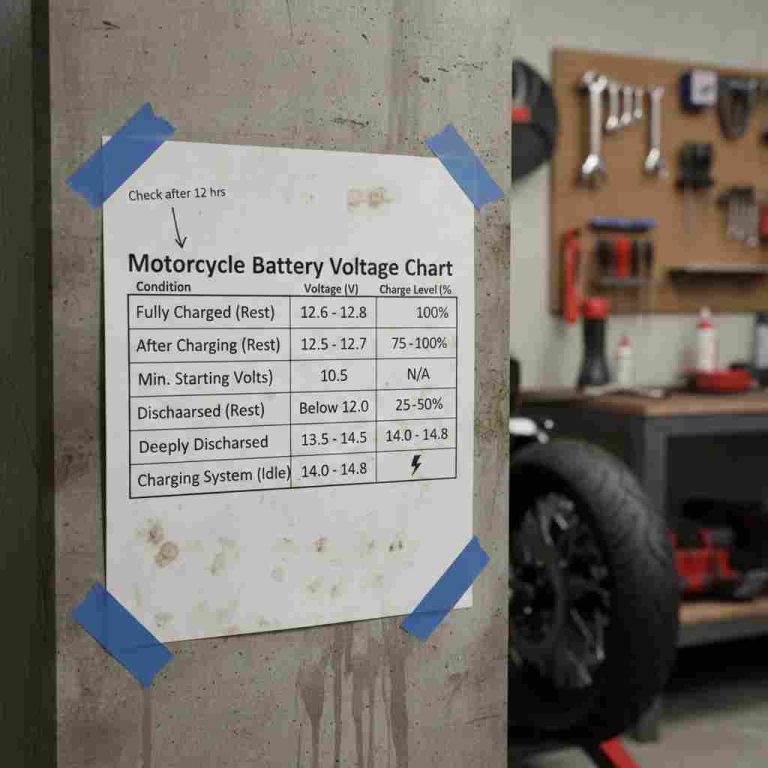
Studies show that Repair Mode can recover about 50–70% of lightly sulfated batteries. For severely damaged batteries, success drops below 20%. Here’s a summary table with real-world results.
| Battery Condition | Success Rate | Recommended Action |
|---|---|---|
| Lightly sulfated | 70% | Use Repair Mode |
| Moderately sulfated | 50% | Try Repair Mode, monitor |
| Severely sulfated | 20% | Replace battery |
| Very low voltage (<1V) | 30% | Boost voltage, then Repair Mode |
This data confirms that Repair Mode is most effective for batteries with mild problems. For old or deeply discharged batteries, replacement is usually necessary.
Credit: jumpstarter24.com
Safety Tips For Using Noco Genius 5 Repair Mode
Charging and repairing batteries can be dangerous if you don’t follow safety steps. Here are important tips:
- Always wear gloves and eye protection.
- Work in a well-ventilated area.
- Keep metal objects away from the battery.
- Never charge a frozen battery. Wait until it’s fully thawed.
- Check for leaks or swelling before starting Repair Mode.
- Disconnect the charger if you smell burning or see smoke.
- Follow the manual for correct operation.
Safety is often ignored by beginners. Even smart chargers can’t protect you from all risks.
Common Mistakes To Avoid
Many users make mistakes that lead to the blinking red light:
- Using Repair Mode on a totally dead battery without boosting voltage
- Ignoring corroded terminals
- Connecting clamps loosely or to the wrong terminals
- Trying to repair very old batteries
- Charging in hot or humid conditions
Avoid these mistakes to get the best results from your charger.
When To Replace Your Battery
Repair Mode is not a magic fix. If your battery shows these signs, it’s time to replace:
- The voltage drops below 12 volts after charging
- The battery is more than 5 years old
- Swelling, leaks, or cracks are visible
- Repair Mode fails after several tries
Replacing the battery is safer and more reliable. Don’t waste time trying to repair a battery that is beyond saving.
How To Contact Noco Support
If you suspect an internal fault, contact Noco support. They can guide you through troubleshooting or offer warranty service. Visit the official site for details: Noco Support.
Practical Insights Most Beginners Miss
There are a few non-obvious tips that can make a big difference:
- Battery temperature matters: Cold batteries charge slower, and Repair Mode may not work well. Warm the battery to room temperature before starting.
- Repeated Repair Mode cycles: Sometimes, running Repair Mode two or three times can improve results, especially with lightly sulfated batteries.
- Voltage boost trick: Briefly connecting a charged battery in parallel can help the charger recognize a deeply discharged battery.
These insights are often missed by new users but are very helpful.
Comparing Repair Mode Success Across Battery Types
Not all batteries respond the same way to Repair Mode. Here’s a comparison:
| Battery Type | Repair Mode Effectiveness | Notes |
|---|---|---|
| Lead-acid (flooded) | High | Best results for sulfation |
| AGM | Medium | Needs careful monitoring |
| Gel | Low | Risk of damage with high voltage |
| Lithium-ion | None | Do not use Repair Mode |
Always check your battery type before using Repair Mode. Using it on the wrong type can cause damage.
Expert Guidance For Battery Maintenance
Maintaining your battery correctly will help avoid problems like the blinking red light. Here are some expert tips:
- Charge your battery every 2–4 weeks if not in use.
- Keep the terminals clean and tight.
- Store batteries in a cool, dry place.
- Test the voltage before and after charging.
- Use Repair Mode only when needed, not for every charge.
Regular maintenance prevents sulfation and extends battery life.
Signs Of Charger Problems
If your charger has issues, you might see:
- Blinking red light on all modes
- No lights at all
- Charger heats up quickly
- Unusual noises
If you notice these, stop using the charger and contact support.
Credit: www.youtube.com
FAQs For Noco Genius 5 repair mode blinking red light
Why Does The Noco Genius 5 Blink Red In Repair Mode?
The blinking red light means the charger found a problem. It could be poor connection, low voltage, severe sulfation, safety protection triggered, or an internal fault. Check the clamps, battery voltage, and charger status to find the cause.
Can I Use Repair Mode On A Lithium-ion Battery?
No, Repair Mode is only for lead-acid batteries (flooded, AGM, gel). Using Repair Mode on lithium-ion batteries can cause damage. Always check your battery type before starting.
What Should I Do If Repair Mode Fails Multiple Times?
If Repair Mode fails after several tries, your battery may be too damaged. Check the voltage and age. For old, swollen, or leaking batteries, replacement is safer. Sometimes, running Repair Mode two or three times helps, but don’t overdo it.
Is It Safe To Boost Battery Voltage For Repair Mode?
Boosting voltage can help the charger recognize a dead battery, but it must be done carefully. Use another battery in parallel for a short time. Never short-circuit or overcharge. Always follow safety guidelines.
How Can I Prevent The Blinking Red Light In The Future?
Keep your battery well-maintained. Charge regularly, clean terminals, store properly, and avoid deep discharges. Use Repair Mode only when needed. Check connections and follow safety steps.
The Noco Genius 5 is a powerful tool for battery care, but understanding its signals is crucial. The blinking red light in Repair Mode can be frustrating, but with the right knowledge, you can fix most issues and keep your battery healthy.
Remember to follow the steps, avoid common mistakes, and use Repair Mode wisely. If you need more help, visit the official Noco site for support. With good maintenance and careful use, your charger and battery will last longer and work better.