Noco Genius 5 Problems: Troubleshooting Common Issues Fast

The Noco Genius 5 is a well-known 12V battery charger and maintainer. I’ve used it on cars, motorcycles, and boats. It’s popular because it’s smart, compact, and works with many battery types. But even great chargers have quirks. If your Genius 5 acts up, it can be confusing. In this guide I explain the 5 most common Noco Genius 5 problems, why they happen, and clear fixes you can use right away. I’ll share hands-on tips I picked up from repairs and routine battery care. By the end you’ll know how to diagnose issues, protect batteries, and keep the charger running well — for cars, RVs, boats, and powersports gear.
Understanding The Noco Genius 5
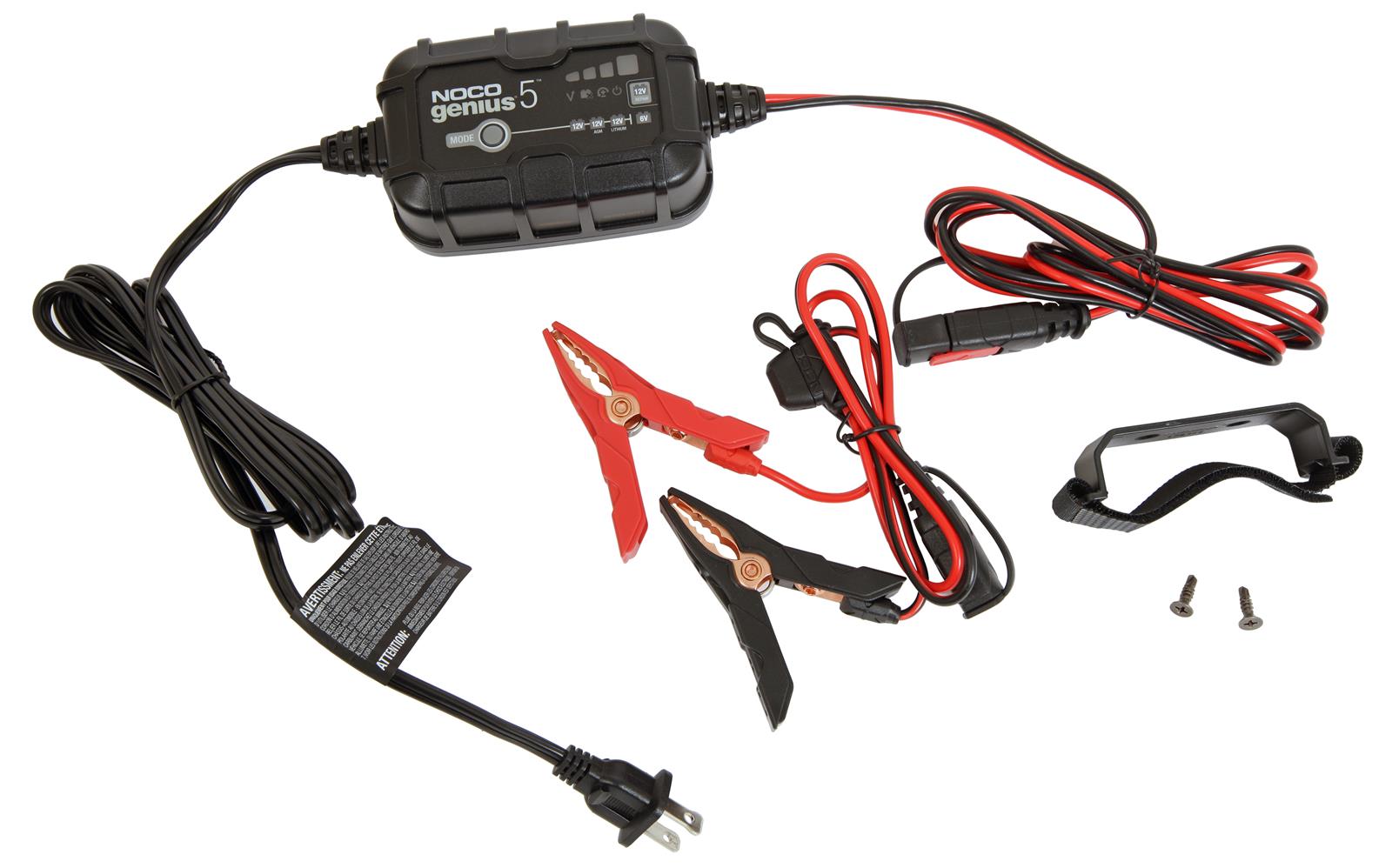
Before we dig into problems, let’s quickly cover what the Noco Genius 5 does and why it behaves the way it does. This is a smart charger for 6V and 12V lead-acid batteries. It supports common chemistries like AGM, gel, and lithium. The Genius 5 offers automatic charging, a repair mode for sulfated cells, and safety features such as spark-proof connections and reverse-polarity protection. It’s rated for batteries up to about 120Ah and charges at 5A, so it’s a good fit for cars, boats, lawn mowers, and many motorcycle batteries.
Because it’s “smart,” the charger measures battery voltage, estimates health, and adjusts the charge. LED indicators tell you if the battery is charging, fully charged, or needs attention. That smart behavior helps most users, but it also means the charger can be picky. Low voltage, bad wiring, or a damaged battery can prevent normal operation. I’ve seen each of these cause trouble in the field.
Noco Genius 5 Problems: Overview
Even strong designs have common failure modes. After reading user reports, reviews, and troubleshooting threads, the top five issues I see are:
- Charger Not Detecting Battery
- Stuck in Repair Mode
- Error Lights (Flashing or Solid)
- Slow Charging or No Charge
- Overheating During Use
Each issue has clear causes and practical fixes. I’ll walk through each one, step-by-step. I’ll also add quick checks, testing steps, and safety notes so you can troubleshoot without guessing.
1. Charger Not Detecting Battery
A common complaint: the Genius 5 shows no lights or won’t start. I’ve seen this when owners assume the charger is dead. Often the charger is fine — the battery or wiring is the problem.
Causes
- Very low battery voltage: Smart chargers need a minimum voltage to wake up. The Genius 5 may not detect batteries below ~1V.
- Loose or corroded connections: Dirty clamps, rust, or paint block current and voltage sensing.
- Wrong battery mode: If the charger is set to 6V instead of 12V, or the wrong chemistry, it may not start.
- Internal battery damage: Shorted cells or dead plates can make a battery unreadable.
Solutions
- Check connections first: Clean clamps and attach to bare metal. Remove paint, grease, or corrosion. Tight, clean contacts matter more than you’d think.
- Parallel jump start (safe method): If voltage is under 1V, briefly connect a known-good 12V battery in parallel. This raises voltage and lets the Genius 5 begin charging. I’ve used this trick many times to revive neglected boat batteries.
- Choose the correct mode: Confirm 6V vs 12V and battery chemistry (AGM, gel, lithium). Wrong mode can block charging.
- Measure battery voltage: Use a multimeter. If the battery reads 0–1V, it may be beyond repair. If it reads 6–12V, but still isn’t detected, test the charger on another battery.
Hidden Insight
Many people don’t realize modern smart chargers won’t try hard if the battery is extremely dead. The parallel jump-start trick is a quick, low-cost way to confirm whether the issue is battery voltage or a bad charger. I always carry a small donor battery or jump pack for this reason.
| Battery Voltage | Charger Response | Possible Solution |
|---|---|---|
| <1V | Not detected | Parallel jump start |
| 1-6V | Sometimes detected | Clean connections, retry |
| 6-12V | Detected normally | Standard charging |
Quick Checklist Before Calling Support
- Are clamps tight and clean?
- Is the charger set to 12V (for a 12V battery)?
- What does a voltmeter read at the battery terminals?
- Does the charger behave the same on a known-good battery?
2. Stuck In Repair Mode
Repair mode (sometimes called desulfation) is useful. It uses pulses to break down sulfate crystals on lead plates. But sometimes the Genius 5 stays in repair mode a long time or never finishes. I’ve seen users worry the charger is “stuck” when it’s actually working slowly on a badly sulfated battery.
Causes
- Severely damaged battery: The charger may attempt recovery but the battery is too far gone.
- Incorrect mode selection: Repair mode chosen for a healthy battery.
- Charger malfunction: Rare, but possible if internal electronics fail.
Solutions
- Be patient but watch progress: Repair mode can take several hours. Monitor voltage and temperature. Don’t leave it unattended for days.
- Check voltage after 12 hours: If voltage and capacity haven’t improved, the battery may be irreparable.
- Reset and test: Unplug and restart the charger. Try charging a different battery to see if the unit behaves normally.
- Use repair mode only when needed: Don’t apply it to new or healthy batteries. It’s meant for sulfation on stored or unused lead-acid batteries.
Practical Tip
Repair mode isn’t a miracle. I’ve rescued some old batteries, but not all. If a battery has a shorted cell or physical damage, no charger will fix it. Save time by testing voltage and specific gravity (for serviceable flooded cells) before relying on repair mode.
| Battery Age/Condition | Repair Mode Needed? | Expected Outcome |
|---|---|---|
| New/Healthy | No | Stuck or unnecessary |
| Old/Sulfated | Yes | Possible recovery |
| Dead/Shorted | No | No recovery |
3. Error Lights (flashing Or Solid)
The Genius 5 uses LEDs to display status. Flashing red or white lights indicate an issue. I’ve fixed many problems by reading the lights and checking a few things.
Causes
- Reverse polarity: Red clamp on negative or vice versa.
- Short circuit: Clamps touching or internal battery short.
- High battery temperature: Hot battery or charger triggers an error.
- Mode mismatch: Wrong battery chemistry selected.
Solutions
- Double-check polarity: Always attach red to positive (+) and black to negative (–). I label my clamps to avoid mistakes.
- Prevent clamp contact: Keep clamps apart and don’t allow them to touch when connected to power.
- Let things cool: If either the battery or charger is hot, let them cool before retrying.
- Confirm battery type: Select the correct chemistry and voltage. A lithium setting on an AGM battery will show an error.
Real-world Example
A friend hooked his Genius 5 to a marine AGM battery but left it on the lithium setting. It flashed red. Once we switched to the AGM mode the charger resumed normally. Simple mistakes like that happen a lot.
| LED Color | Status | Action Required |
|---|---|---|
| Flashing Red | Error/Polarity | Check connections |
| Solid Red | Charging | Normal operation |
| Flashing White | Repair mode | Monitor progress |
| Solid Green | Fully charged | Safe to disconnect |
4. Slow Charging Or No Charge
Slow charging is often blamed on the charger, but battery size and condition matter most. I’ve taught new owners how to set expectations so they stop worrying.
Causes
- Large battery size: The Genius 5 is rated up to 120Ah. Big batteries will charge slowly at 5A.
- Cold temperatures: Charging efficiency drops below about 32°F (0°C).
- Battery sulfation: Old batteries accept charge poorly and show slow current.
- Charger fault: Rare, but a defective unit won’t deliver current.
Solutions
- Match charger to battery: For batteries above 120Ah or if you need faster charging, use a higher-amp charger.
- Warm the battery: Move it indoors or into a warm garage. Warmer batteries accept charge better.
- Try repair mode: If sulfation is suspected, repair mode can help break down crystals and improve acceptance.
- Verify the charger: Test the Genius 5 on a known-good battery. If it won’t charge that battery either, the charger may need service.
Common Mistake
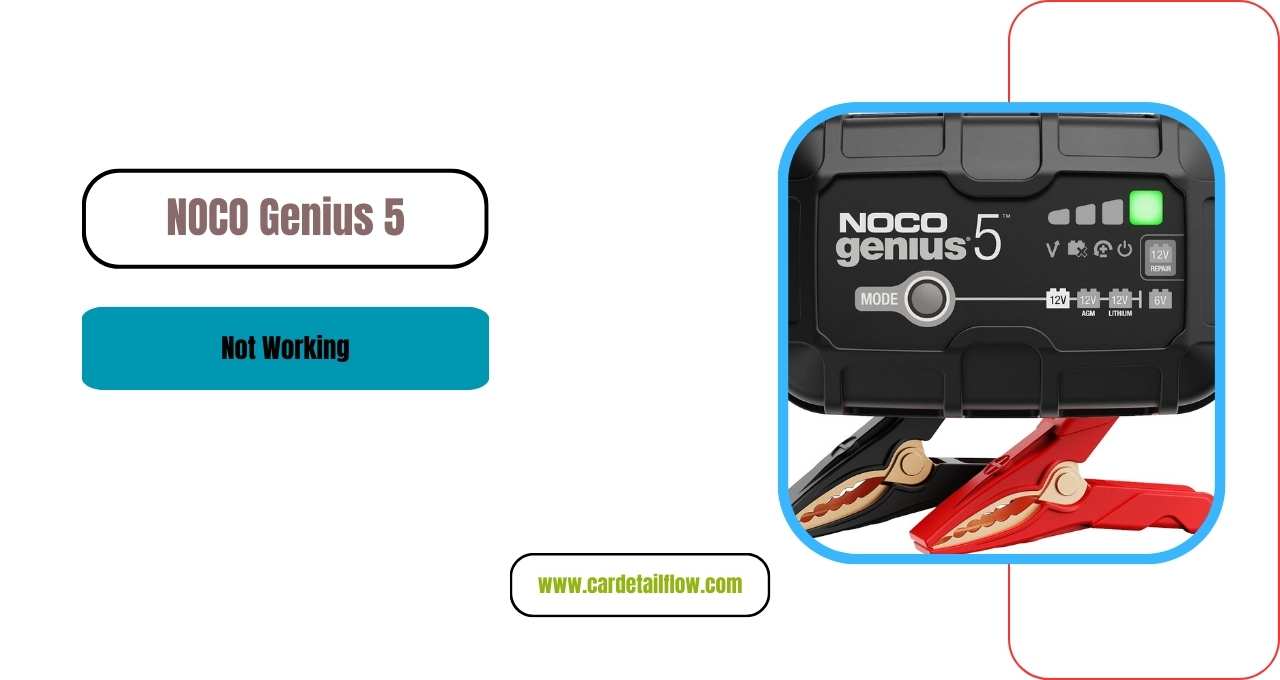
Many expect instant results. For example, a 100Ah battery at 50% can take 10+ hours to fully charge at 5A. That’s normal. If you need quicker top-ups, use a 10A–20A smart charger compatible with your battery chemistry and BMS (battery management system) when charging lithium packs.
Credit: cardetailflow.com
5. Overheating During Use
Overheating is not common, but it happens in hot climates or when the unit is poorly ventilated. I’ve seen chargers shut down mid-cycle because they were trapped in a box or left on soft surfaces.
Causes
- High ambient temperature: Hot garages or direct sunlight raise internal temps.
- Poor ventilation: Placing the charger on carpets, blankets, or inside a closed space blocks airflow.
- Continuous heavy use: Long charging sessions on large batteries can make the charger warm.
Solutions
- Place charger on a hard surface: Avoid soft surfaces that trap heat.
- Ensure airflow: Keep the unit away from walls, boxes, or debris. Leave space on all sides.
- Break long sessions: Pause charging every few hours for large batteries so the charger can cool.
- Monitor temperature: If the charger becomes hot to the touch, unplug and let it cool before continuing.
Extra Insight
The Noco Genius 5 includes thermal protection that will shut the unit down if it gets too hot. That’s normal and intentional to protect both the charger and battery. If shutdowns are frequent in moderate temperatures, test the charger on a different battery or contact NOCO support.
Comparing Noco Genius 5 To Other Chargers
People ask me whether the Genius 5 is the right charger. Here’s a quick comparison with similar smart chargers so you can match features, price, and performance to your needs.
| Charger Model | Max Battery Size | Charge Rate | Repair Mode | Price Range |
|---|---|---|---|---|
| Noco Genius 5 | 120Ah | 5A | Yes | $70-100 |
| Battery Tender Plus | 100Ah | 1.25A | No | $50-75 |
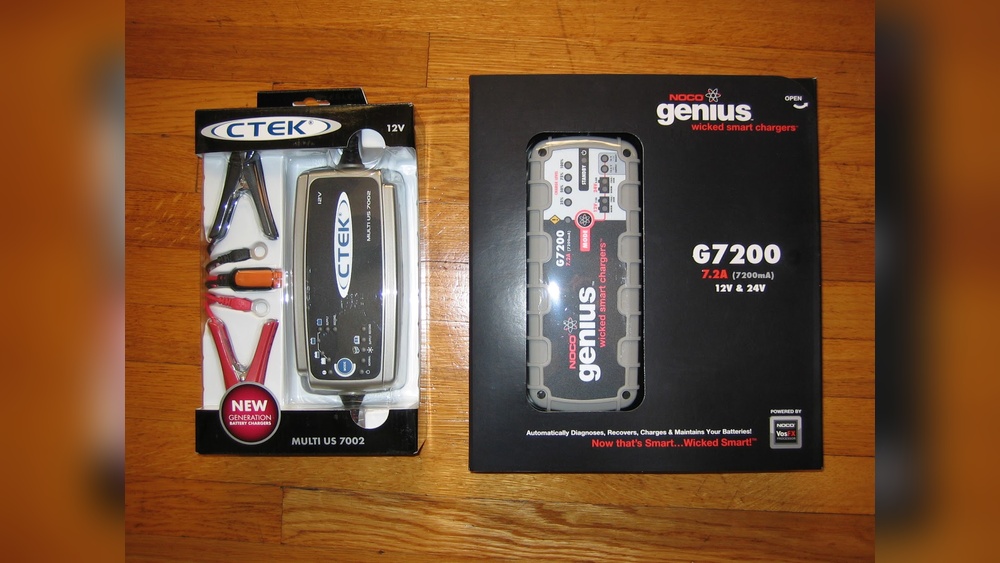
| CTEK MXS 5.0 | 110Ah | 5A | Yes | $90-120 |
In short, the Genius 5 strikes a solid balance. It’s affordable, has repair mode, and handles a wide range of battery types. If you regularly charge very large batteries or need faster charge times, consider a higher-amp unit. Also check that the charger supports your battery’s chemistry and any built-in BMS if you charge lithium packs often.

Credit: www.reddit.com
Expert Tips For Noco Genius 5 Users
From my experience, a few small habits prevent most problems. Here are tips I wish I’d known earlier:
- Label your clamps: Mark red/black clearly to avoid polarity mistakes.
- Clean clamps and terminals: Corrosion kills connection quality. A wire brush and baking soda for acid residue work well.
- Record charging history: Log dates, hours charged, and battery voltage. It helps spot dying batteries early.
- Don’t rely on always-on storage: While the Genius 5 has float modes, don’t leave a bad battery connected for days. Check it regularly.
- Check fluid in flooded batteries: For serviceable lead-acid cells, top up distilled water before charging if low.
- Know your battery’s specs: Capacity (Ah), chemistry, and manufacturer guidelines matter for safe charging.
Tools I Carry for Troubleshooting
- Digital multimeter (voltage & current checks)
- Small donor battery or jump pack for parallel boost
- Wire brush and terminal cleaner
- Replacement clamps or fused leads
Real-world Examples
Here are short case studies from people I’ve helped or worked with:
- Boat Battery Revival: A boater found a winter-dead battery. The Genius 5 wouldn’t start. We used a parallel jump start to raise voltage and then charged normally. The battery lasted the whole summer.
- RV Owner’s Mistake: An RV owner left the charger on repair mode for a week with no change. Testing showed a shorted cell. No charger can restore a shorted cell — the battery needed replacement.
- Car Battery Slow Charge: A car owner complained about a 12-hour charge in winter. Moving the battery indoors and then charging cut the time in half.
These examples show how small checks and the right approach prevent wasted time and money.
Credit: www.dxengineering.com
When To Seek Professional Help
Some issues need a pro. Stop and get help if you see any of these:
- Charger smells burnt
- Battery leaks fluid or bulges
- Repeated error lights with multiple batteries
Electrical faults and leaking batteries are dangerous. If you smell burning, see swelling, or get repeated errors after trying the steps above, unplug the unit. Consult a qualified technician or contact NOCO support for repairs or warranty service.
Frequently Asked Questions
Why Does My Noco Genius 5 Not Recognize My Battery?
If the battery voltage is below ~1V, the charger may not detect it. Try a short parallel connection to a healthy battery to raise voltage. Check connections for cleanliness and tightness. Confirm the charger mode (6V vs 12V) matches your battery. Use a voltmeter to confirm terminal voltage before assuming the charger is bad.
How Long Does Repair Mode Take, And Is It Safe?
Repair mode can run 4–12 hours or more depending on how sulfated the battery is. It’s safe for sulfated lead-acid batteries when used correctly. Don’t use it repeatedly on a battery showing no improvement; long runs with no change usually mean the battery has a physical fault or shorted cell.
What Do The Flashing Red And White Lights Mean?
Flashing red typically signals an error like reversed polarity or a mismatch in battery mode. Flashing white usually means repair mode is active. Always check clamps, voltage, and battery chemistry when you see error lights. Consult the manual for the exact LED code list if you’re unsure.
Can The Noco Genius 5 Charge Lithium Batteries?
Yes. It can charge 12V lithium batteries when you select the correct lithium mode. Verify the lithium cell configuration and any manufacturer limits. Some lithium batteries have a BMS that requires specific charge behavior — check compatibility first.
Is The Noco Genius 5 Safe To Leave Connected Overnight?
The Genius 5 has safety and float modes, so short-term unattended charging is OK. However, I recommend disconnecting once the light shows fully charged, especially if the battery is old or if ambient temperatures are high. Long-term storage charging is fine in float mode, but check batteries periodically.
If you want more technical details or troubleshooting help, check the official Noco support page or visit Noco Support for up-to-date guides.
The Noco Genius 5 is a smart, reliable charger. With the right checks and habits, it will extend battery life and save you time. Most issues are simple fixes: clean connections, correct mode, and basic voltage checks. If you ever feel unsure, don’t hesitate to get professional help — safety first.
If you’re ever unsure, professional help is always the safest route.


One Comment