How to Connect Cardo Packtalk Edge to Each Other in 2026

This guide shows you how to connect Cardo Packtalk Edge units to each other for crystal-clear intercom communication between riders. Whether you’re riding solo or in a group, you’ll learn pairing, group setup, and troubleshooting tips for 2026.
Why Connect Your Cardo Packtalk Edge?
Riding with friends is more fun when you can talk easily. The Cardo Packtalk Edge makes group communication simple, safe, and high-quality. In 2026, these systems use advanced tech like Dynamic Mesh Communication (DMC) to keep your group connected, even when riders split up and rejoin. This guide will walk you through how to connect Cardo Packtalk Edge to each other step by step. Whether you’re a solo rider teaming up with a buddy or leading a pack of 10, you’ll learn everything you need to stay in touch on the road.
You can also see: Cardo Freecom 4x vs Packtalk Edge: My Bold Comparison 2026
What You’ll Need Before Starting
Before you begin pairing, make sure you have:
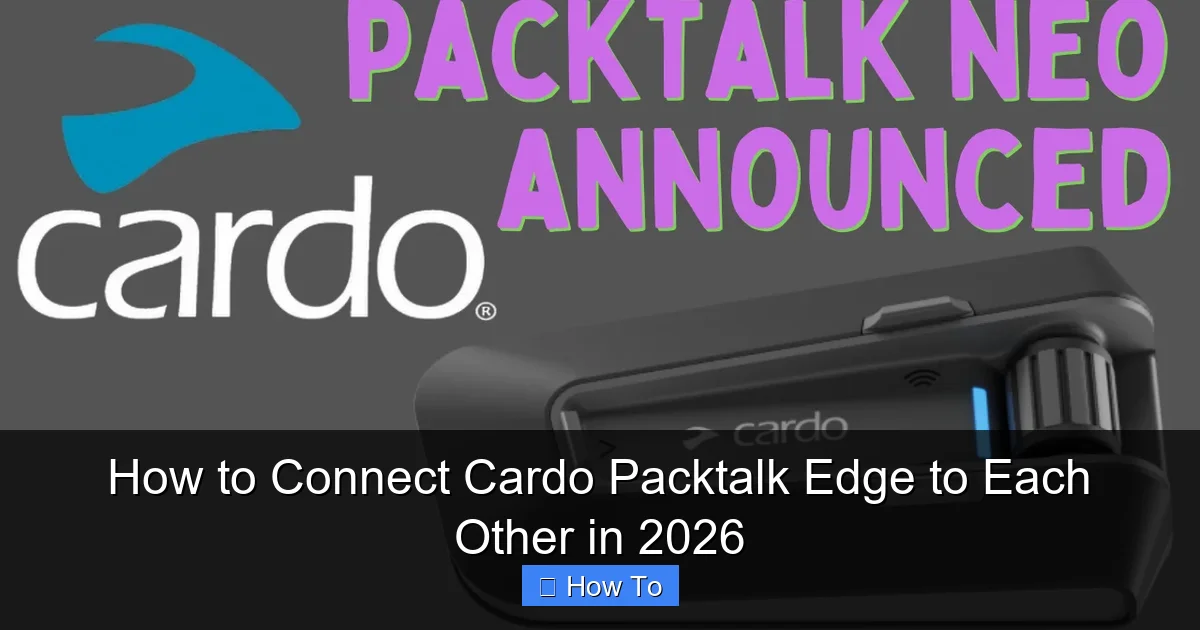
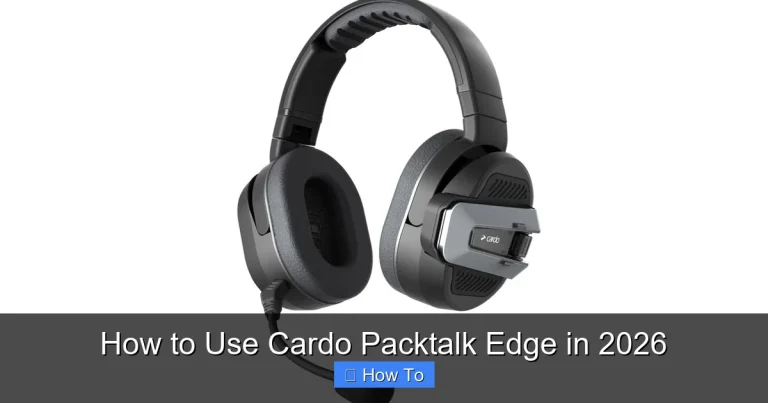
Visual guide about How to Connect Cardo Packtalk Edge to Each Other in 2026
Image source: motonz.com
- Two or more Cardo Packtalk Edge units
- Fully charged batteries (at least 50% recommended)
- The latest version of the Cardo Connect app (download from iOS or Android store)
- A quiet environment for initial setup (helps avoid interference)
- Your helmets securely mounted with the speakers and microphones
Pro tip: If you’re installing the system for the first time, check out our guide on how to clean motorcycle helmet pads to ensure a snug fit and better sound quality.
Step 1: Power On Your Packtalk Edge Units
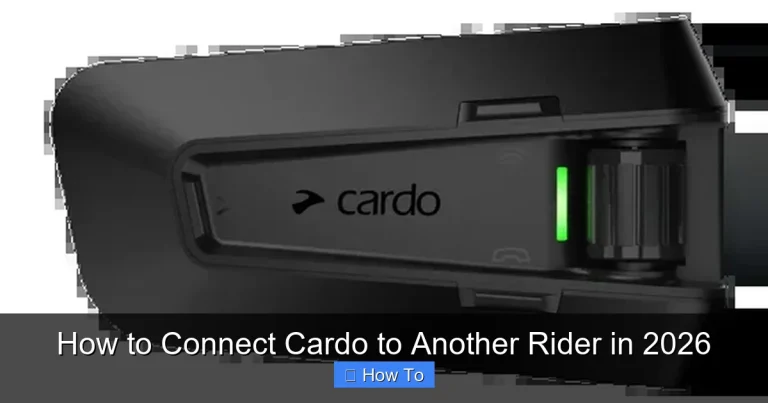
Start by turning on each Packtalk Edge device. Press and hold the main button (the one with the Cardo logo) for about 3 seconds until you hear a voice prompt saying “Power on.” The LED will flash blue and red during startup.
Check the LED Status
- Solid blue: Ready to pair via Bluetooth
- Flashing blue: In pairing mode
- Red flash: Low battery
If the LED flashes red, charge your unit using the USB-C cable before continuing. A full charge takes about 2 hours and gives up to 13 hours of talk time.
Step 2: Choose Your Connection Mode
The Packtalk Edge supports two main connection types: Bluetooth and DMC (Dynamic Mesh Communication). Here’s how to pick the right one:
Bluetooth Mode (Best for 2 Riders)
Use Bluetooth when you’re riding with just one other person. It’s simple and reliable for direct communication.
- On the first unit, press and hold the Phone button for 5 seconds until you hear “Phone pairing.”
- On the second unit, do the same. Both devices will now search for each other.
- When they connect, you’ll hear “Intercom connected.”
Tip: Name your devices in the Cardo Connect app (e.g., “Rider 1” and “Rider 2”) to avoid confusion later.
DMC Mode (Best for Groups of 3–15 Riders)
DMC is the smarter choice for group rides. It automatically connects all riders in range and manages who talks when.
- Open the Cardo Connect app on your smartphone.
- Tap “Add Device” and follow the prompts to register each Packtalk Edge.
- Go to “Group Settings” and select “Create DMC Group.”
- Invite other riders by sharing a group code or scanning a QR code.
- Once joined, all units will sync automatically when powered on.
Example: Imagine you’re leading a weekend ride with 8 friends. With DMC, everyone stays connected even if the group spreads out over hills or traffic lights. If one rider drops back, the system reconnects them seamlessly.
Step 3: Test the Connection
After pairing, test the audio to make sure everything works.
- Say “Hey Cardo, call [rider name]” to start a voice call.
- Or press the Intercom button to talk manually.
- Check volume levels using the + and – buttons.
If you hear static or dropouts, move closer together and retest. Wind noise can sometimes interfere—learn how to reduce it with our guide on how to reduce wind noise in your helmet.
Step 4: Customize Settings via the Cardo Connect App
The app lets you fine-tune your experience. Here are key settings to adjust:
- Microphone sensitivity: Set to “High” if you have a quiet voice, “Low” if you shout often.
- Voice prompts: Turn off if you prefer silence, or set to “Minimal” for fewer alerts.
- Auto-reconnect: Enable this so devices reconnect automatically after a drop.
- Music sharing: Allow two riders to listen to the same playlist—great for long rides.
Bonus: You can also link your Packtalk Edge to GPS apps like Google Maps for turn-by-turn voice directions. Check out how to listen to music while riding a motorcycle for more audio tips.
Troubleshooting Common Connection Issues
Even the best tech can hiccup. Here’s how to fix the most common problems:
Devices Won’t Pair
- Ensure both units are in pairing mode (flashing blue LED).
- Move within 1 meter (3 feet) during initial setup.
- Restart both devices and try again.
- If using DMC, make sure all riders have the latest app version.
Intercom Drops Frequently
- Check battery levels—low power can weaken signals.
- Avoid riding behind large vehicles or through tunnels.
- Reduce group size if using Bluetooth (max 2 riders).
- Update firmware via the Cardo Connect app.
No Sound or Poor Audio Quality
- Clean the microphone and speaker pads—dirt muffles sound.
- Adjust mic position: it should be 1–2 cm from your mouth.
- Use foam windsocks over the mic in windy conditions.
- Reset audio settings in the app under “Sound Profile.”
For stubborn issues, perform a factory reset: Hold the Phone and Volume Down buttons for 10 seconds until you hear “Factory reset.” Then re-pair from scratch.
Best Practices for Group Rides in 2026
Technology keeps improving, but smart habits make the difference. Follow these tips for smooth communication:
- Pre-ride check: Test all units before hitting the road.
- Designate a leader: One rider should manage the DMC group settings.
- Use clear names: Avoid “Rider A” — use real names or nicknames.
- Keep firmware updated: Cardo releases updates quarterly for better performance.
- Carry spare batteries: Long rides drain power faster, especially in cold weather.
And don’t forget safety: never adjust settings while riding. Pull over or use voice commands like “Hey Cardo, volume up.”
Conclusion: Stay Connected, Stay Safe
Connecting your Cardo Packtalk Edge to each other is easier than ever in 2026. With Bluetooth for pairs and DMC for large groups, you can enjoy clear, hands-free communication on every ride. Just remember to keep your firmware updated, test your setup, and use the Cardo Connect app to unlock full features. Whether you’re cruising coastal highways or tackling mountain passes, staying in sync with your riding crew makes the journey safer and more fun.
Now that you know how to connect Cardo Packtalk Edge units, why not explore other ways to enhance your ride? Learn how to keep your motorcycle helmet from fogging up for clearer vision in all weather.